Apple Watch
YesNoWatch
Can’t decide? Swipe, spin, or flip — YesNoWatch settles it on your wrist.
Three ways to decide, all offline and instant. Just lift your wrist and tap.
Can’t decide? Swipe, spin, or flip — YesNoWatch settles it on your wrist.
Three ways to decide, all offline and instant. Just lift your wrist and tap.
No typing, no menus. Pick the mode that fits the question, and the answer lands.
A decision maker that fits your wrist — swipe for yes or no, spin the wheel, or flip a coin, all offline.
Turn it on once and every answer comes back Yes. For when you already know what you want.
Prefer black and white? Switch the colors off for a cleaner look that reads the same either way.
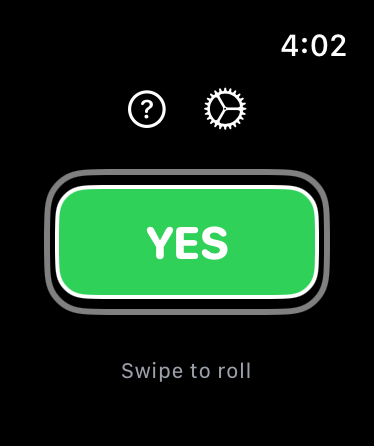
Swipe to roll — the bar slides and settles on YES or NO.
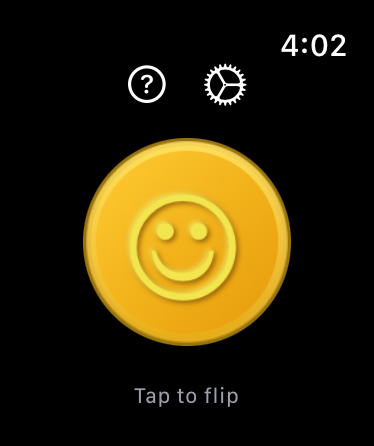
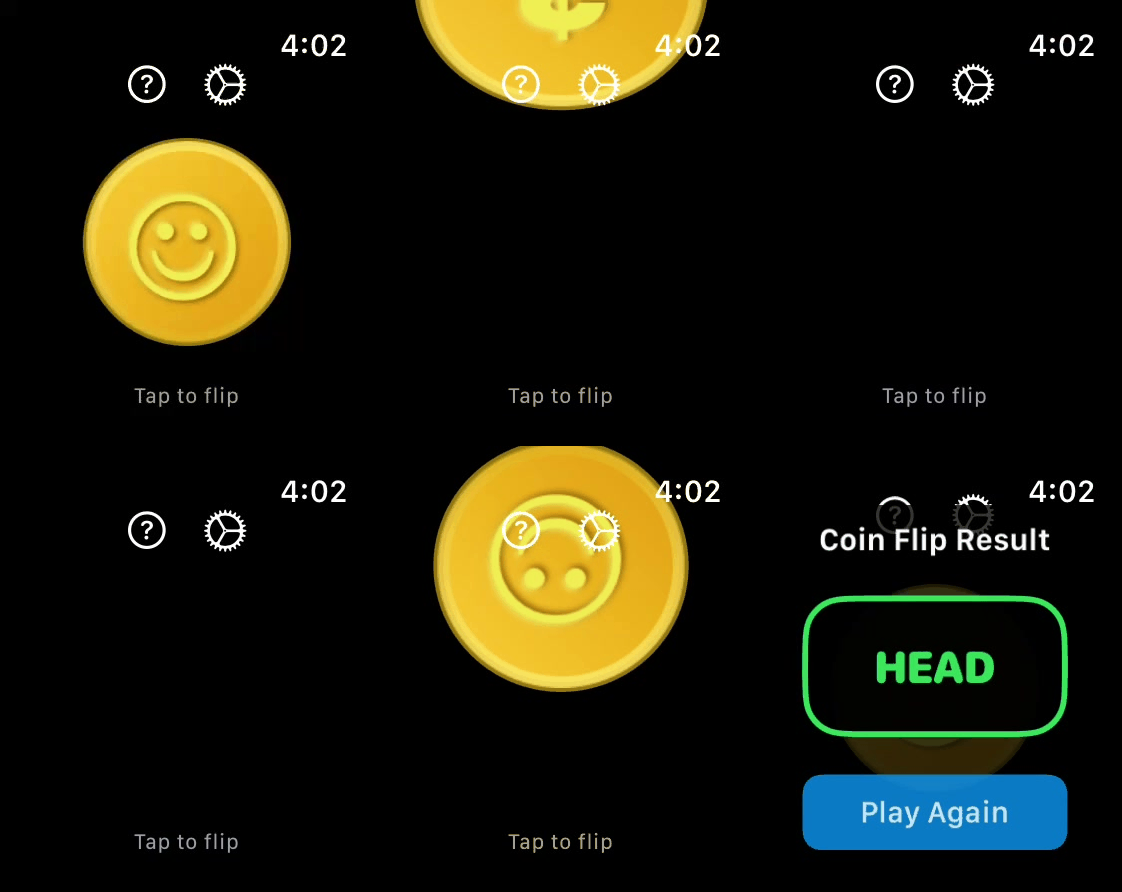
Tap to flip — heads or tails, decided.
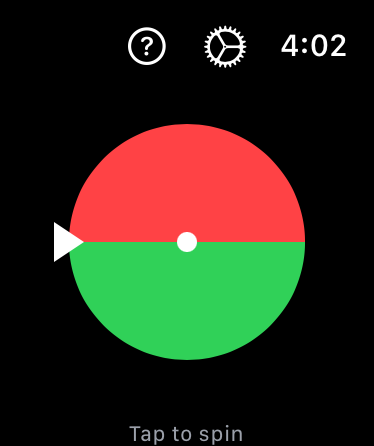
Tap to spin, and the wheel picks your answer.
Yes. YesNoWatch is a decision maker for Apple Watch — swipe for yes or no, spin the wheel, or flip a coin.
Yes. The Coin Flip mode taps to toss — heads or tails, decided on your wrist, no phone needed.
Yes, it's completely free with no ads.
Yes. All three modes — swipe, wheel, and coin — run fully offline on your watch.